Description
Note: Drives are now shipping. Processing is currently taking 4-5 days.
Download Installation Instructions and Installation Script are in the Files tab.
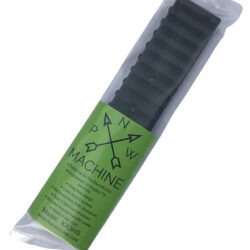
ADL-G6
The ADL-G6 is a bootable USB stick that carries two things: Scepter, a generator built specifically for CEOI, and TAILS, a live operating system that runs in RAM and never writes to the host machine. Plug it into any recent x86-64 laptop, boot from the stick, build your CEOI and print your operator packets. When you shut down, the laptop is exactly as you found it.
Everything in one file
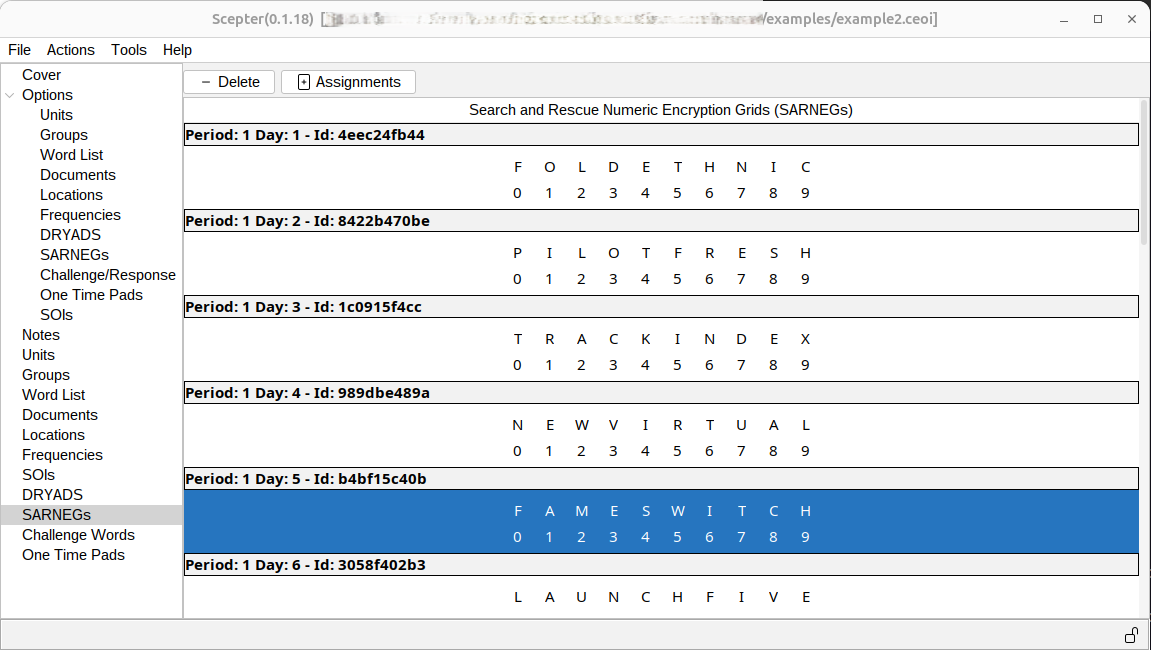
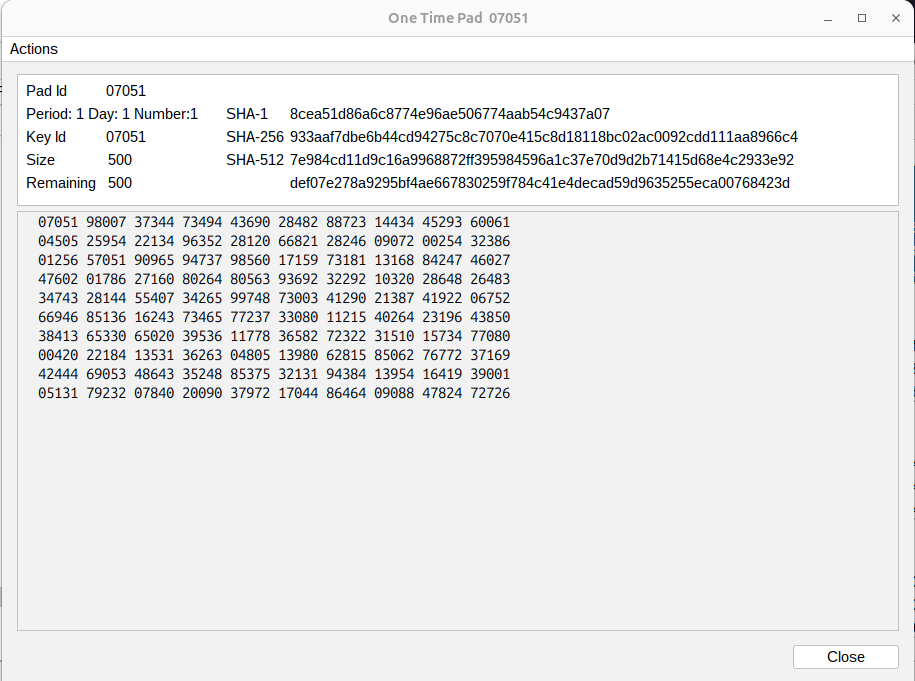
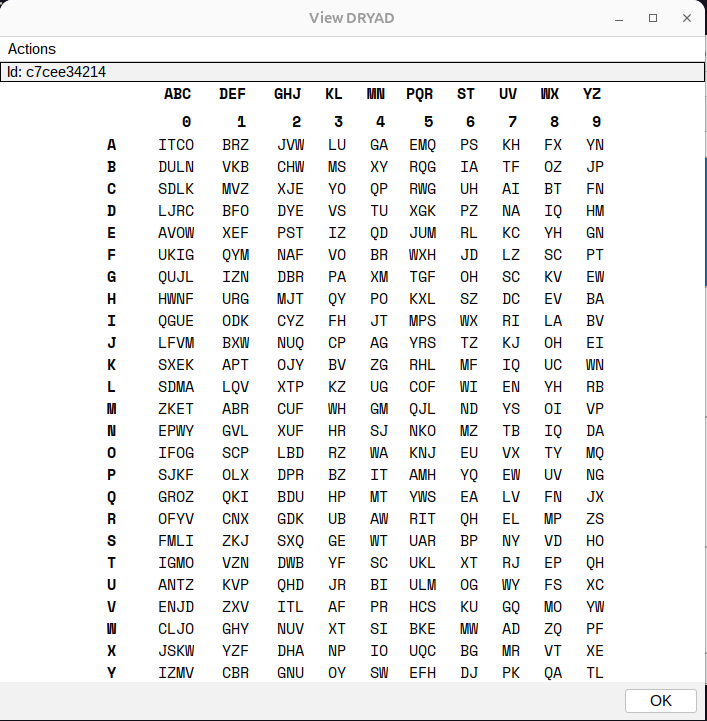
A single CEOI file holds the whole plan. Scepter generates call signs, authentication codes and passwords for each unit and each net, along with challenge, response and duress words. It builds DRYAD and SARNEG tables, plus one-time pads in Numbers, DIANA and DIANA+ formats with matching codex sheets. Frequencies, locations and documents get coded references, so the real names never go out over the air. SOIs include full PACE plans and comm schedules.
Codes on your schedule
Set up as many as 10 periods, each split into 10 divisions. That gives you 100 code changes issued in one block, and each one retires automatically when its time is up. Material is assigned unit by unit and every unit gets its own packet, so a lost card compromises one unit instead of the whole network.
Templates you set up once
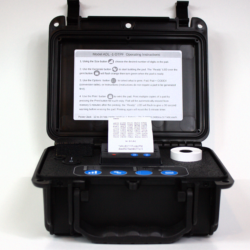
About thirty templates come included: daily code cards, call sign and password sheets, cipher tables, directional OTP pads, encode/decode lookups and SOI sheets. Build a print job once and run it again every issuance cycle. Any template can be edited to fit the way your unit works.
Made for hostile conditions
CEOI files are encrypted with a password you choose. Every code, pad and table comes from a generator that combines Java’s SecureRandom with a hardware or OS entropy source, mixed through SHA-512. The workflow never touches a network, from boot to the last page off the printer.
Who it’s for
Signal sections and S-6 shops are the obvious fit. It’s just as useful for CERT organizations, ham operators supporting public events, expedition teams and preparedness groups. If you need clear call signs, real authentication and codes that change, the ADL-G6 puts them on paper that still works when everything else is down.